Can AI Tutors Work with Your Existing Moodle or Canvas System?

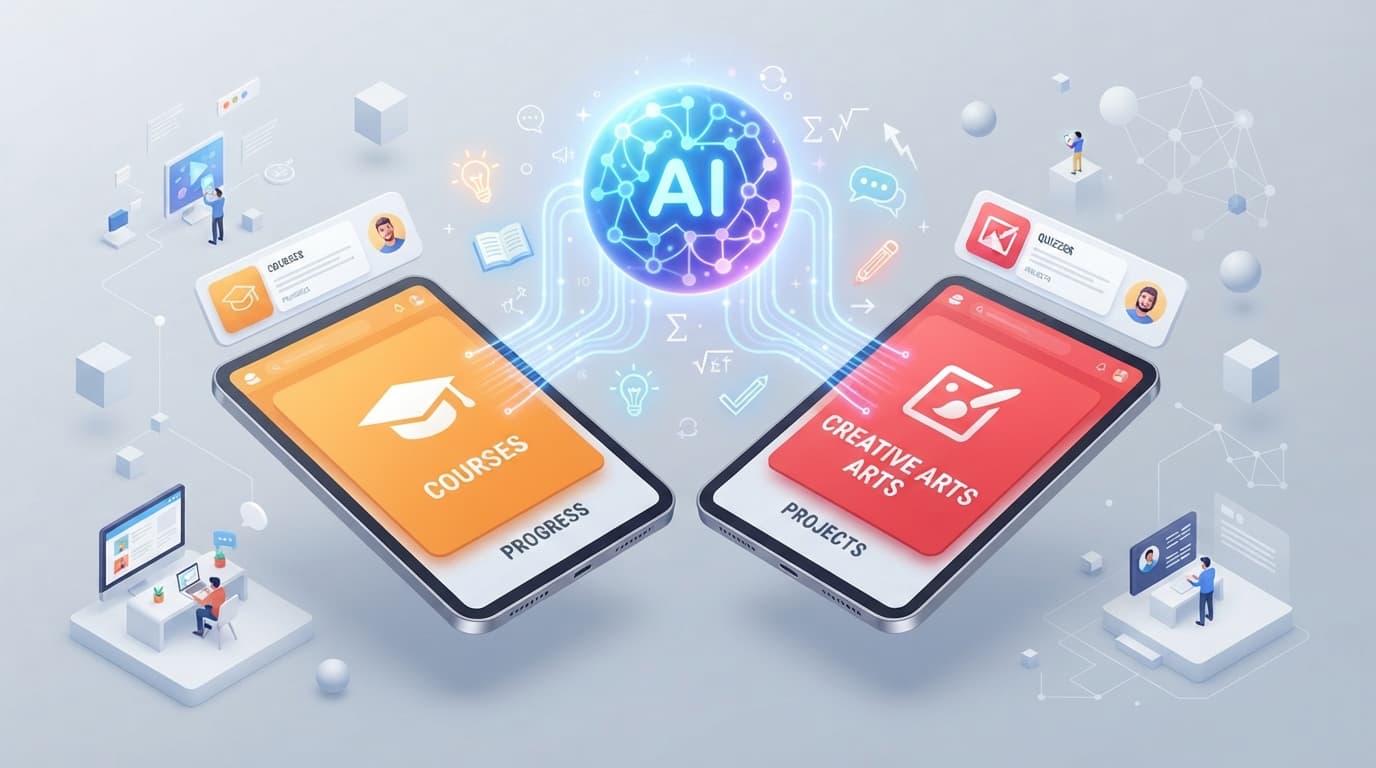
Short answer: yes. If your organization already runs Moodle or Canvas, you don't need to replace anything to give your learners an AI tutor. No course migration, no new LMS, no code installed on your servers. Here is how the connection actually works, and what your IT team will want to check before saying yes.
Related Guides
1. The Short Answer: Three Integration Paths
A modern AI tutor is not a plugin bolted into the core of your LMS: it is an external service that connects to Moodle or Canvas through standards both platforms already support. In practice, there are three paths:
The LMS interoperability standard. The tutor appears as a native activity inside the course, with learner identity and grade passback.
A URL or iframe added to any course page. Zero admin configuration, up and running in five minutes.
AI-generated content is packaged as SCORM and imported into your LMS like any other module, with completion tracking.
Which path to pick depends on your level of access: LTI 1.3 if you have an LMS administrator, an embedded link if you don't, SCORM export if completion tracking inside your current tool is the priority. In all three cases, your existing LMS stays the backbone — the AI tutor plugs into it, it doesn't replace it.
2. LTI 1.3: The Standard Built for Exactly This
LTI (Learning Tools Interoperability) exists precisely to answer the question in this article's title. It is the 1EdTech standard that lets an external tool behave as if it were native to the LMS. Moodle has supported it since version 3.7; Canvas has always supported it in its cloud version.
Once the connection is configured, here is what your learners and instructors get with no extra effort:
- Single sign-on (SSO): learners click the activity in their course and land in the AI tutor already authenticated — no new account, no password.
- Course context: the tutor knows which course and module the learner is in, and adapts its answers.
- Grade passback: quiz and exercise scores flow back into the Moodle or Canvas gradebook.
- Zero maintenance: LMS updates don't affect the connection, because it relies on a standardized protocol, not installed code.
Configuration happens entirely in the admin panel: Site Administration > Plugins > External Tool on Moodle, Admin > Developer Keys > LTI on Canvas. The AI tutor vendor provides the URLs and keys to copy-paste. For the full Moodle walkthrough, follow our Moodle AI chatbot integration guide.
Key Takeaway
An LTI 1.3 integration takes under 30 minutes on either Moodle or Canvas, and the same AI tutor can run on both platforms in parallel. For a detailed side-by-side, see our Moodle vs Canvas AI integration comparison.
3. What Your IT Team Will Want to Know
This is where projects usually stall — not on the technology. Three questions come up in every security review:
"What data leaves our LMS?"
With LTI 1.3, the exchange is limited and explicit: the user's identity (name, optionally email), their role (learner or instructor), and the course context. The AI tutor has no access to your database, to other courses, or to the data of users who never launch the tool. That is a major difference from server-installed plugins, which can see everything.
"Is it GDPR compliant?"
That depends on the vendor, not the protocol. Check three things: where the data is hosted (the EU for a European organization), whether a Data Processing Agreement (DPA) is available, and the retention policy for conversations. Criterium, for example, is hosted entirely in the EU with full per-organization data isolation.
"Who maintains the connection?"
Nobody — that's the point. Unlike a Moodle plugin that must be re-tested at every version upgrade, an LTI connection survives updates on both sides. Authentication is built on OAuth 2.0 and OpenID Connect, the same building blocks as the rest of your enterprise SaaS stack.
4. No Admin Access? Two Other Paths
Many instructors don't control their LMS administration, especially in universities and large enterprises. Two options require no admin rights at all:
- An embedded link or iframe: every course page editor (in both Moodle and Canvas) lets you insert an external URL. The AI tutor opens inside the page or in a new tab. You lose SSO and grade passback, but learners keep one-click access from their course.
- SCORM export: if your goal is to deliver AI-generated modules inside your LMS with completion tracking, an imported SCORM package behaves like any native content. Our SCORM guide for AI course creators covers what actually works, platform by platform.
5. What Doesn't Change at All
The objection "we're not going to break everything for an AI tutor" rests on a false premise. With a standards-based integration, all of this stays strictly intact:
- Your existing courses and content: no migration, no re-import.
- Your user accounts and enrollments: identity comes from the LMS.
- Your reports and gradebook: grades land in the same place as before.
- Your infrastructure: nothing to install, host, or back up.
- Your upgrade schedule: Moodle or Canvas version upgrades proceed as usual.
The only real decision is which tool to pick: favor an AI tutor that is LMS-agnostic, trained on your own training content, and designed for pedagogy rather than a generic customer-support chatbot.
Frequently Asked Questions
Do we need to migrate our courses to add an AI tutor?
No. The AI tutor connects to your existing Moodle or Canvas via LTI 1.3, an embedded link, or a SCORM package. Your courses, accounts, and grades stay exactly where they are.
Is our Moodle version compatible?
LTI 1.3 has been natively supported since Moodle 3.7 (2019), so any Moodle 4.x or 5.x installation is compatible. Canvas, as a cloud SaaS, supports LTI 1.3 on every instance.
Does the AI tutor see all of our learner data?
No. LTI 1.3 only transmits the identity, role, and course context of the user who launches the tool. The tutor has no access to your database or to learners who never use it.
How long does setup take?
Under 30 minutes for an LTI 1.3 integration with admin access, and about 5 minutes for an embedded link on a course page with no special rights.
Try an AI Tutor on Your Current LMS
Criterium connects to Moodle and Canvas with no migration and no server install. Create a free account and test it on a single course.